Some years ago, being able to use a phone – even a stationary one – for scanning would have seemed like an impossible and ludicrous idea. But as technology has progressed, so has the need for scanning – for various purposes. Nowadays being able to scan is a set standard for most new phones, but how does it work? Moreover, what could it be used for? Learn more about smartphone scanning here!
The emergence of mobile scanning
The capabilities of smartphones continue to expand, with new features and applications being introduced every year. Originally designed primarily for calls and text messages, smartphones have evolved into versatile devices capable of performing a wide range of tasks, from playing music to making payments. As technology has advanced, many functions previously requiring dedicated devices have been integrated into smartphones, including scanning.
While dedicated scanning devices remain available and highly effective, they still offer certain advantages over smartphones. This is particularly true in industrial environments, where specialized scanning equipment often provides greater speed, efficiency, and reliability. However, the gap between dedicated scanners and smartphones has gradually narrowed, making mobile scanning an increasingly practical alternative.
For individuals who only need to scan documents or barcodes occasionally, smartphones offer a convenient and cost-effective solution, eliminating the need to invest in a separate scanning device.
What can you use the smartphone scanner for?
Today, smartphone scanning technology serves a wide range of purposes, with new applications continuing to emerge. What was once primarily associated with scanning documents has evolved into a versatile tool for everyday tasks, both for personal and professional use. From creating digital copies of physical documents, to scanning barcodes in stores and accessing information through QR codes, smartphones have made scanning more accessible and convenient than ever. Below, we explore some of the most common applications of smartphone scanning technology and how they simplify everyday activities.
Scanning documents using a smartphone
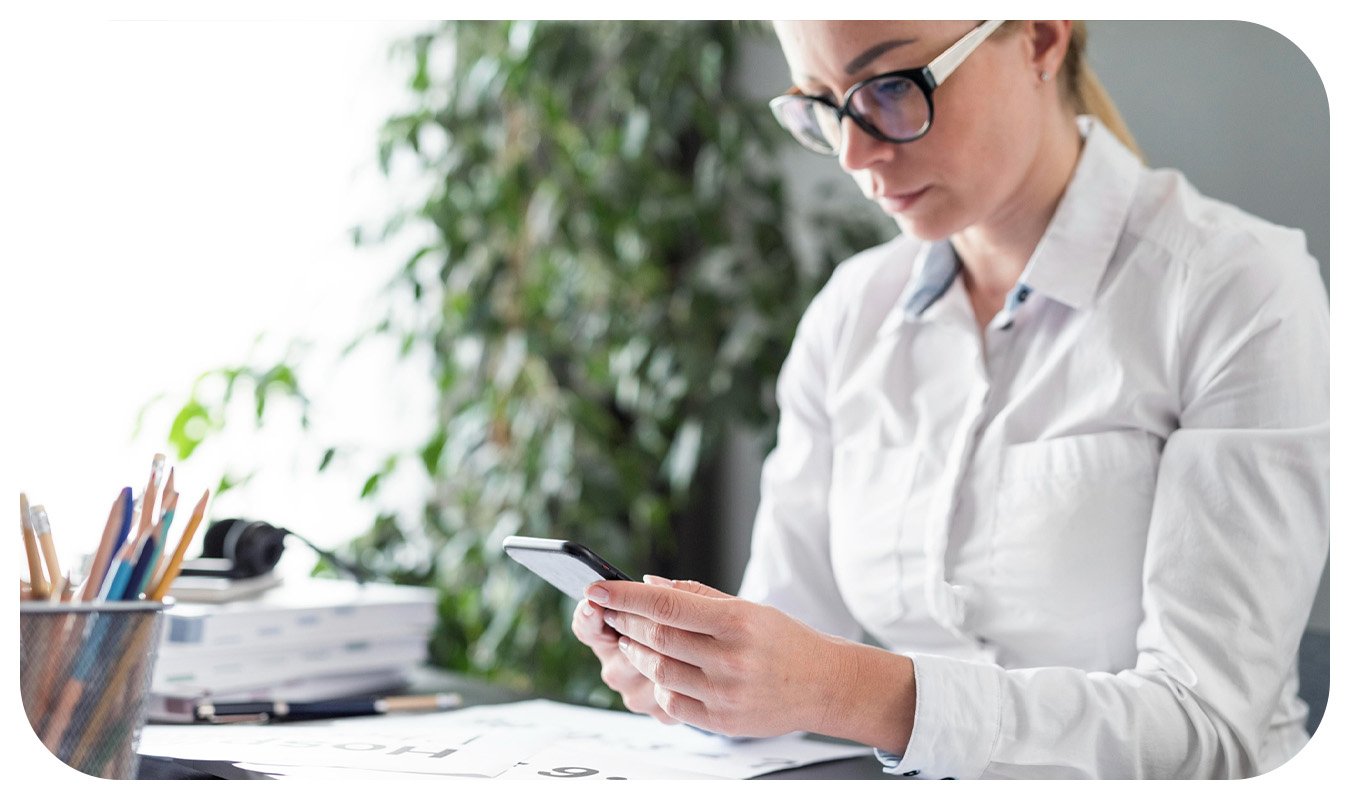
Smartphone scanners have long been used as a quick and convenient way to create digital copies of physical documents. Using a smartphone simplifies the scanning process and reduces the need for larger, dedicated scanning devices.
As smartphone cameras have improved, so has the quality of scanned documents. Today, several applications are specifically designed to enhance scanned images, ensuring that the digital copies resemble their physical originals as closely as possible.

Scanning barcodes with a smartphone
Scanning barcodes with a smartphone may not seem like revolutionary technology, but its adoption in retail has been relatively limited until recently. One of the main reasons for this is that, although smartphones have long been capable of scanning barcodes, relatively few retailers have offered customers the option to scan products using their own devices.
Implementing this functionality requires more than just barcode scanning capabilities. Product inventory systems, payment solutions, and other integrations must also be in place to create a seamless shopping experience.
Scanning QR codes with a smartphone
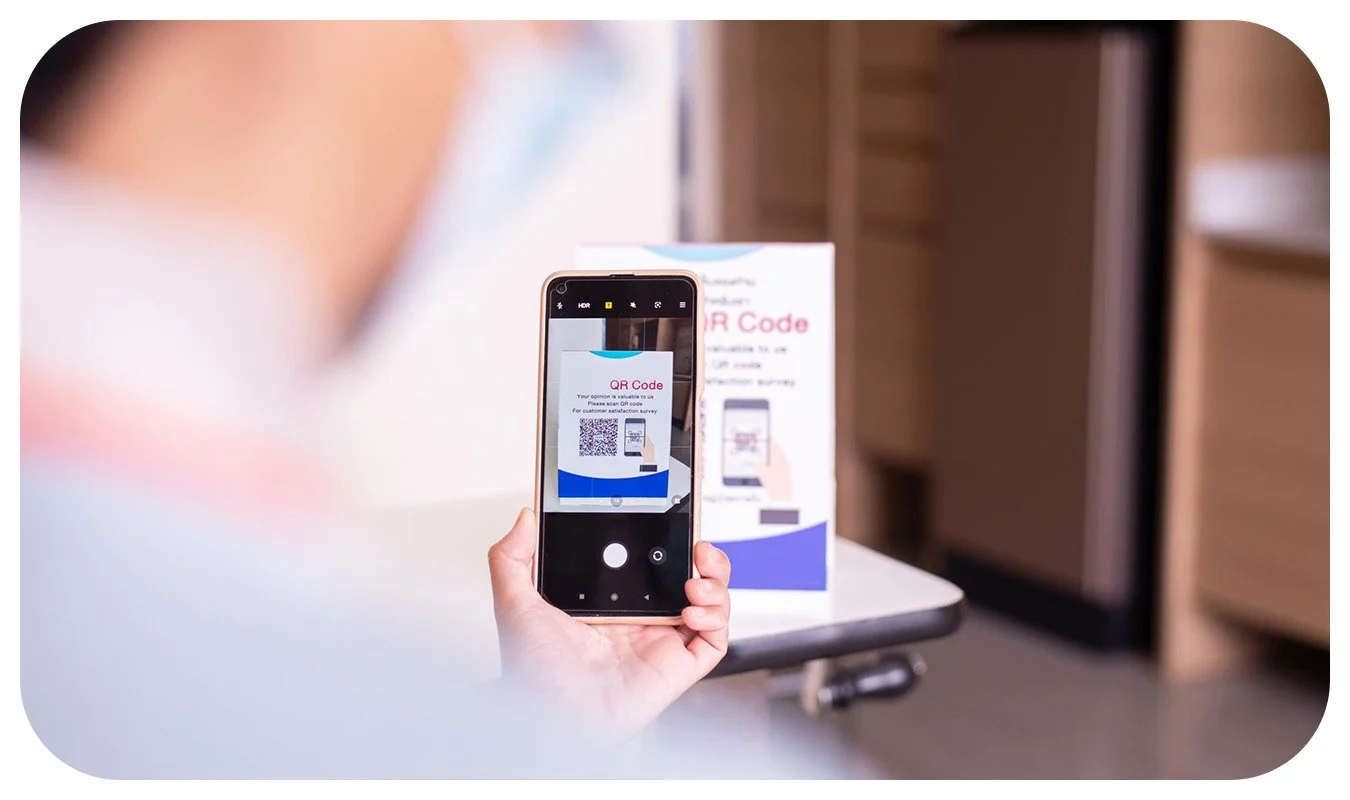
One of the most common uses of smartphone scanning technology today is scanning QR codes. A QR code is a type of barcode that differs from traditional barcodes in its structure and ability to store information.
QR codes can be used for a variety of purposes, such as accessing websites, adding contacts to a smartphone, or connecting to Wi-Fi networks. They have become a convenient way for smartphone users to access information and perform actions quickly and easily. For example, scanning a QR code to open a website eliminates the need to manually enter a URL into a browser's address bar, making the process faster and more seamless.
3D scanning
Several smartphones also offers the possibility to scan objects in 3D. Sculpteo described a 3D scan as “…the digital representation of the object or person you are 3D scanning.”, meaning that you use the camera in order to create a 3D file. By collecting data related to colour, shape and depth, it is possible to create this 3D object, which can thereafter be used for 3D modelling edits, or AR and VR projects.
How do you use the smartphone to scan?
Using the smartphone to scan is a relatively simple task. Generally, you can use the camera app in smartphone for scanning, here is how:
Open the camera app on your smartphone.
If wanting to scan a document, there is usually a setting for this. Select this setting, and take a photo of the document.
If wanting to scan a QR code, the url/function usually appears when the code is being captured through the lens. Click on the symbol that appears.
As mentioned, it is possible to scan various objects using the camera app on the smartphone, however there are also dedicated apps for different occasions, such as when scanning documents. For example, Google Drive has its own function where you scan documents through the camera in the Google Drive App. The functions in this app are adapted for documents specifically and comes with features that the original camera smartphone app might not have.
Another example of customized app features is when scanning barcodes in the store, as the store often has their own app that you use for this purpose, with all necessary functions.
There are continuously new apps released dedicated to scanning, and as the features are frequently being improved, it can be a good idea to stay up-to-date with the latest apps.
Shopping with mobile self-scanning
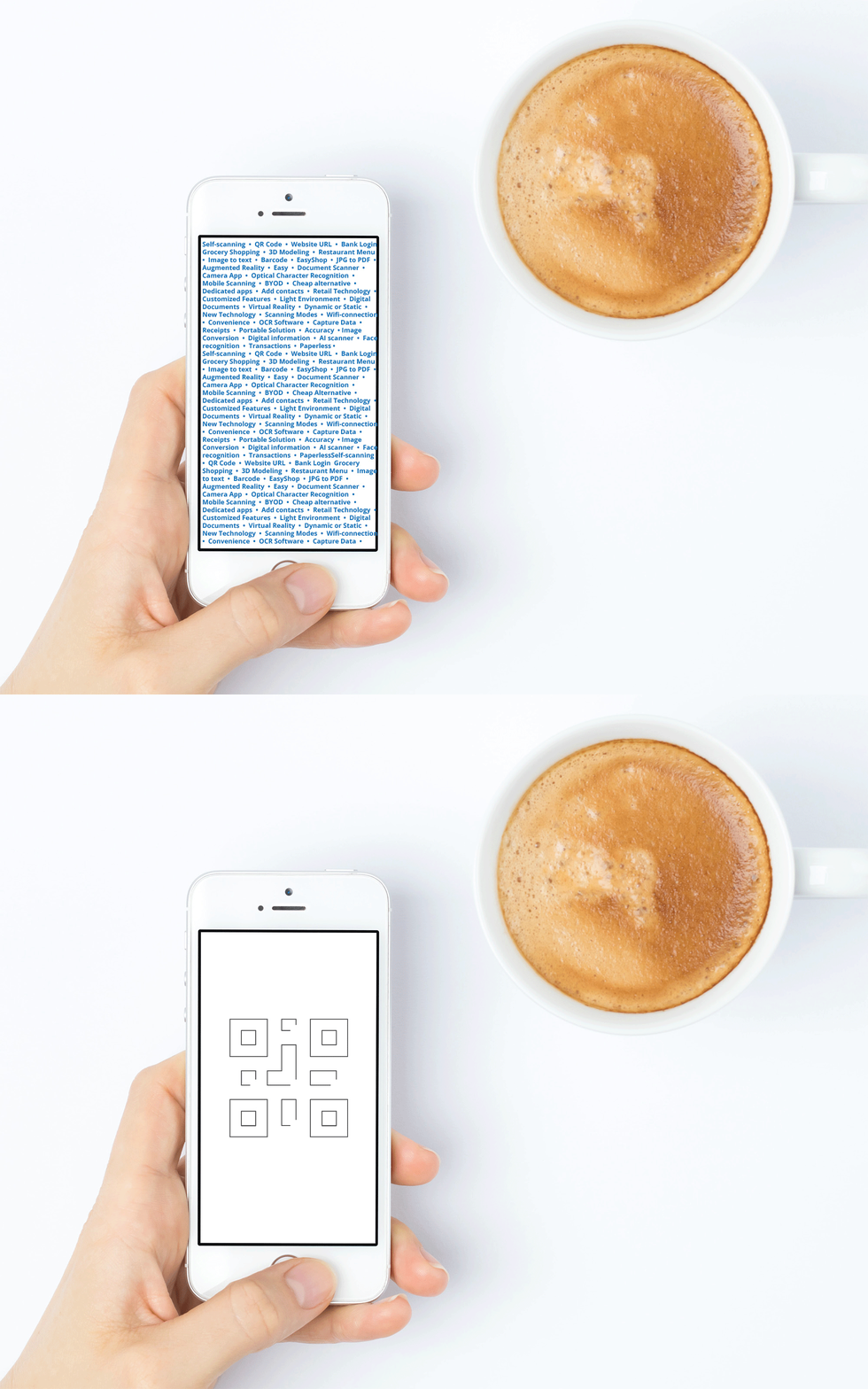
Mobile scanning has shown to serve many purposes for smartphone users willing to try the technology.
Using a smartphone for scanning when shopping, also known as bring-your-own device (BYOD), has become more popular in recent years. Partly because the technological maturity has made customers more confident in using this type of functionality, but also because retailers have seen that it is a cost-efficient way of offering self-scanning to its shoppers.
There are benefits of mobile self-scanning both for shoppers and retailers, which is also a contributing factor to the increase in popularity. When integrating the self-scanning software with the retailer’s own app, where it is possible to add discounts, offering and other integrations for a frictionless experience.
Learn more about how self-scanning with mobile devices works here
Mobile self-scanning is growing, the consulting firm RBR has estimated that the number of stores that will offer mobile self-scanning will reach 160 000 globally by 2027.
Mobile scanning technology is not without its limitations, and in certain situations, using a dedicated scanning device may be a better option. For example, when scanning highly detailed documents where preserving image quality is essential, a traditional scanner may deliver more reliable results. Achieving high-quality scans with a smartphone typically requires good lighting, a steady hand, and a camera that is in good condition.
Despite these limitations, smartphone scanning offers a convenient way to simplify or eliminate time-consuming tasks that were previously considered standard. As mentioned earlier, the adoption of mobile scanning technology is expected to continue growing, creating new opportunities for innovative applications and use cases that have yet to be fully explored.
More retail insights